Inspiration: 1,000+ Example Rooms, Ready to Try on Your Own Room
 The Idori team
·
·
8 min read
Inspiration is Idori's library of room ideas: more than 1,000 example rooms in Idori's 40+ styles, from Japandi and Organic Modern to Dark Academia, Wabi-Sabi, and Bookshelf Wealth, covering living rooms, kitchens, bedrooms, bathrooms, dining rooms, home offices, and patios. Filter by space and style, learn what makes each style work, heart the rooms you love, and share them. When one clicks, tap Try on my space and Idori shows that style on a photo of your own room, with your walls, windows, and layout kept. Browsing Inspiration is free.
- Inspiration, in one sentence
- A browsable library of more than 1,000 example rooms in Idori's styles, each with a short style guide, where one tap, Try on my space, applies any room's style to a photo of your real room.
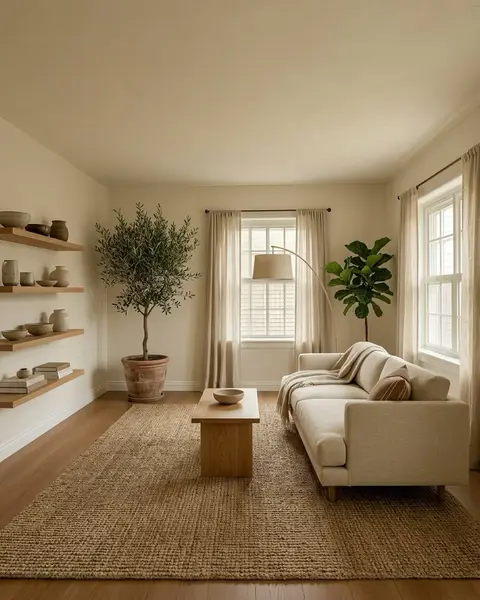
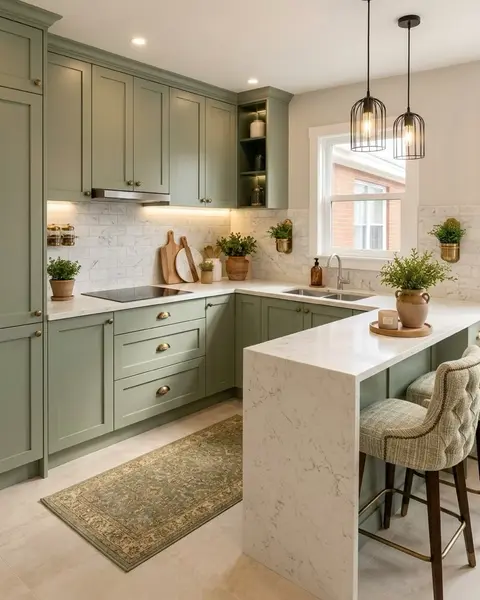
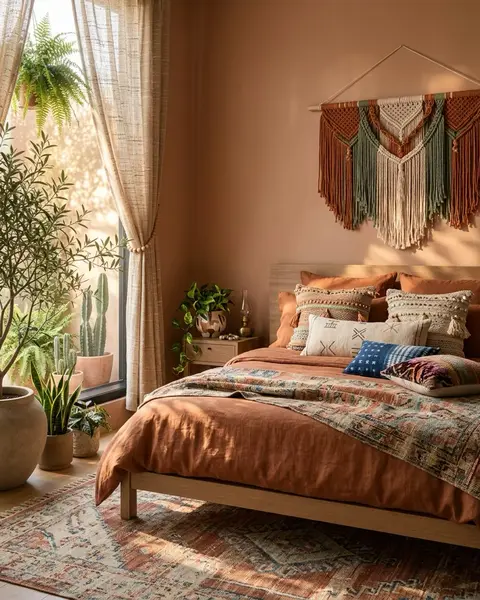
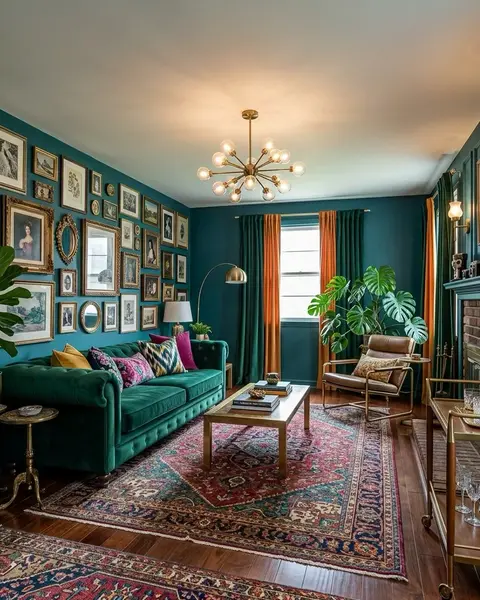
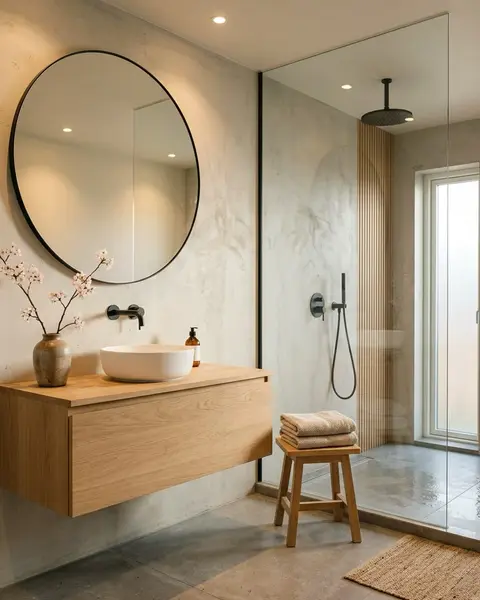
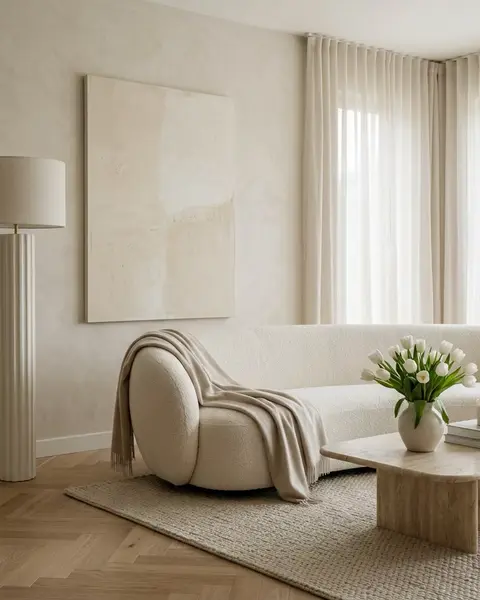
Why Idori has a library of room ideas
Most people start a room the same way: scrolling. Pinterest boards, Instagram saves, design magazines. The scrolling is the fun part, and it is also where most rooms stall, because a thousand beautiful photos of other people's homes do not answer the one question that matters: what would this look like in mine?
Inspiration keeps the browsing and removes the dead end. Every room in it is tagged by space and style, explained in plain words, and one tap away from your own photo. It follows from what we believe about AI in design, written up in AI shouldn't design for you: the taste is yours. Idori's job is to put good options in front of you, help you understand them, and then show you your choice on your real room, so you decide with your eyes instead of your imagination.
How to browse Inspiration
1. Open it
Open Inspiration from the side menu, or tap the plus button in the prompt box and choose Browse Inspiration when you are already working on a room.
2. Filter by space and style
Pick the space you are designing, living room, kitchen, bedroom, bathroom, dining room, office, or patio, and narrow it to a style if you know one. The All view mixes styles on purpose, so you see rooms you would not have searched for.
3. Open a room and read its guide
Each room opens to more than a bigger picture: a short guide to its style, what it is, tips for getting it right, and what goes well with it, plus the room's palette, materials, and mood. It is how you learn why a room works, not only that you like it, and that is what makes the next decision easier.
4. Save and share
Tap the heart on any room to keep it in Favorites, your own short list. Share a room with whoever you are deciding with, before anyone moves a sofa.
5. Try on my space
When a room clicks, tap Try on my space. Idori attaches it to your prompt box with Style Match and, if you have not opened a photo of your room yet, asks for one right away. Send, and the room's palette, materials, furniture, decor, and light are applied to your photo while your architecture, windows, layout, and camera angle stay yours. The result is a new version, so you can try five favorites in a row and Compare them.
From a room in the library to your room, in one tap
Try on my space is the shortcut between "I like that" and "I can see it here". Under the hood it is Style Match, the same feature that turns a Pinterest screenshot into your room: Idori reads the chosen room as a style reference and edits only your photo. It does not copy the library room's walls, window, or floor plan into yours, and when the room is a different kind of space, a dining room photo for a living room, it translates the style instead of the furniture. You can add your own words before you send, "keep my sofa", "only the colors", and your words win. The full walkthrough, with a worked example, is on the Style Match page.
Browse by style
Every room in Inspiration is an example of one of Idori's Styles, so you can filter the library by any of them. Each style below links to its guide on the Styles page: what it is, how to get it right, and what goes well with it. Example rooms exist for nearly all of them, and more are added over time.
- Modern: Minimalist, Scandinavian, Mid-Century Modern, Japandi, Contemporary, Organic Modern, Bauhaus
- Classic: Traditional, French Country, Mediterranean, Art Deco, Transitional, Victorian, Neoclassical, English Country, Parisian
- Bold: Industrial, Bohemian, Tropical, Maximalist, Eclectic, Dark Academia, Retro '70s, Art Nouveau, Moroccan, Southwestern, Modern Glam
- Cozy: Modern Farmhouse, Coastal, Rustic, Wabi-Sabi, Cottagecore, Chalet, Shabby Chic, Rustic Modern
- Trending: Dopamine Decor, Bookshelf Wealth, Quiet Luxury, Whimsigoth, Spa
Inspiration or a one-tap style?
Idori has two ways to bring a style into your room, and they suit different moments. Styles are for when you know the name of the look you want: tap Japandi, and Idori redesigns your room in its own interpretation of Japandi. Inspiration is for when you want to choose a specific room: this Japandi living room, with this low cream sofa and this olive tree, and see that one on your photo. One starts from a word, the other from a picture. Many people use both: a curated style to find the direction, Inspiration to pick the exact feel.
What Inspiration is not
It is not a store. The rooms are ideas, not product listings, and Idori does not link to where their pieces are sold. To try one exact product, pin it with Spot Edit and attach its photo.
It is mostly indoors. Inspiration covers living rooms, kitchens, bedrooms, bathrooms, dining rooms, offices, and a smaller set of patios. For a yard or a house exterior, attach your own photo with Style Match.
A style, not a copy. Try on my space carries a room's style onto yours. It does not rebuild the library room's architecture or reproduce its exact products.
It shows, it does not measure. The result is a realistic picture of your room in that style, not a floor plan. Measure before you buy.
Browse Inspiration, then try it on your room
Find a room you love in 40+ styles and see it on a photo of your own space in one tap. Idori is on iPhone and iPad.
Download IdoriQuestions people ask
Open Inspiration in Idori. It is a library of more than 1,000 example rooms in Idori's 40+ styles, filterable by space and style, and each room has a short style guide with tips, what goes well with it, and its palette, materials, and mood. When you find one you like, tap Try on my space to see that style on a photo of your own room.
Yes. Open the room in Inspiration and tap Try on my space. Idori attaches it with Style Match and applies its palette, materials, furniture, decor, and light to a photo of your room, while your walls, windows, layout, and camera angle stay yours.
Inspiration has example rooms for Idori's styles, in five groups. Modern: Minimalist, Scandinavian, Mid-Century Modern, Japandi, Contemporary, Organic Modern. Classic: Traditional, French Country, Mediterranean, Art Deco, Transitional, Victorian, Neoclassical, English Country, Parisian. Bold: Industrial, Bohemian, Tropical, Maximalist, Eclectic, Dark Academia, Retro 70s, Southwestern, Modern Glam. Cozy: Modern Farmhouse, Coastal, Rustic, Wabi-Sabi, Cottagecore, Chalet, Shabby Chic, Rustic Modern. Trending: Dopamine Decor, Bookshelf Wealth, Quiet Luxury, Whimsigoth, Spa.
Yes. Browsing Inspiration, reading the style guides, and saving favorites are free in Idori on iPhone and iPad.
Yes. Inspiration covers living rooms, kitchens, bedrooms, bathrooms, dining rooms, home offices, and patios. For a yard or a house exterior, attach your own photo with Style Match.
Browse Inspiration by style and heart the rooms you keep coming back to; your Favorites usually show a pattern. Each room's style guide explains what defines its style, so you can name what you like. Then tap Try on my space on a few favorites and compare them on your own room.
Idori's Styles redesign your room from a style name in one tap, in Idori's own interpretation of that style. Inspiration lets you pick one specific room photo and apply that exact feel to your room with Style Match. One starts from a word, the other from a picture.
Bookshelf Wealth is one of the trending styles in Inspiration: the look of a life well read, with built-in shelves packed with books and treasures, a reading chair, and antique objects. Find it under Trending in Inspiration and tap Try on my space to see it on your room.